Builder Drop #16: Use Folders to organize content
This past month we’ve launched a new developer experience for integrating Builder with Next.js apps. We’ve added the ability to organize your content into folders and a new Artboard mode.
Product Releases and Updates

Get started with Next.js and Builder with a few clicks
Integrate Builder with a Next.js app and try the Builder Devtools with a single command: npm init builder.io@latest

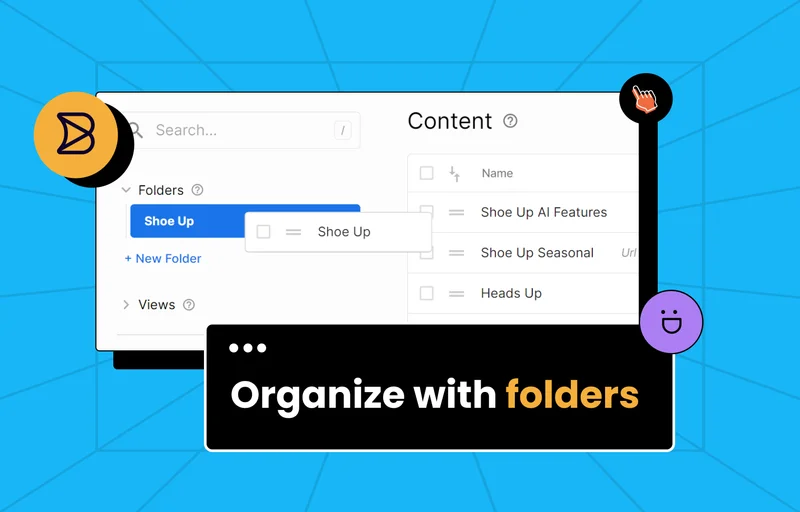
Better organize Builder content with folders
Find content more easily by creating and organizing folders in the Content area of the Builder UI.

Zoom and scroll in the visual editor like in Figma
Navigate and get a better perspective on long pages by selecting “artboard mode” in the visual editor.
New and Updated Documentation

The Builder SDKs
Builder has lots of SDKs for many of the most popular frameworks. Discover your favorite!

SDK Gen 1 versus Gen 2
Compare and choose the right imports and helpers for the new generation of Builder SDKs.

SSO with Azure
Get step-by-step instructions for setting up Single-Sign-On with Azure and Builder
What to Watch
How to Build a modern site with Next.js and Builder live stream with Jack Herrington
Watch Builder’s Yoav Ganbar teach Youtuber, and Principal Full Stack Engineer Jack Herrington to connect Builder’s visual headless CMS to a Next.js site.
From the blog

Drag and Drop with Next.js and Builder
Give your Next.js components a drag and drop UI for your team to build pages visually.

Builder Devtools for Next.js
Check out the streamlined process for integrating Builder into any Next.js app.

Introducing Valibot, a < 1kb Zod Alternative
This schema library uses code splitting and compression to maintain a super-small size while validating your Typescript schemas